

What a Gym Class Schedule Display Actually Does for You
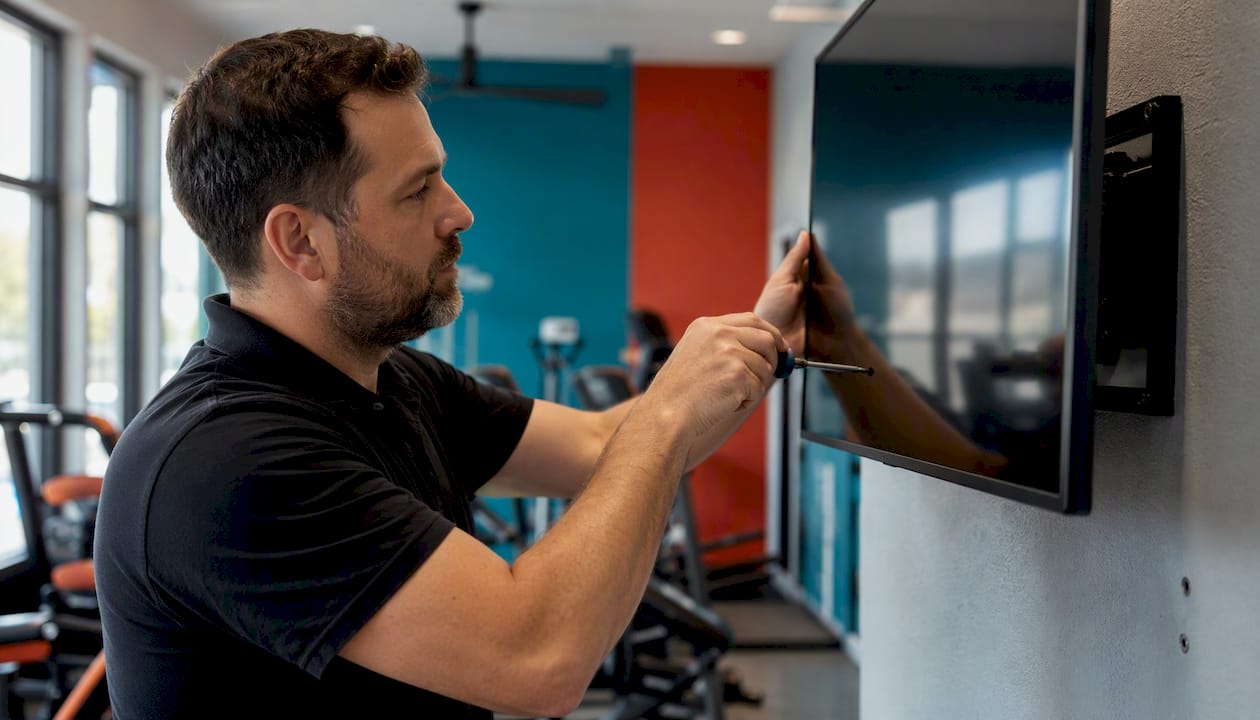
A gym class schedule display is a cloud-based digital signage setup that shows live class times, instructor names, room locations, and capacity status on lobby and studio screens, updated remotely from anywhere. The recommended approach: a cloud CMS with calendar integration and multi-screen support. That combination solves stale schedules and front-desk congestion in one move, giving you real-time accuracy, fewer “what time is spin?” questions, and screens that double as operational infrastructure instead of decoration.
Key Takeaways
A cloud-based digital signage platform with calendar integration and multi-screen support solves stale schedules, cuts front-desk inquiries, and creates a foundation for later screen monetization.
Point | Details |
Utility-first content wins attention | Show live schedules, instructor names, and room locations before any promotional content. |
Pilot before scaling | Start with one to three screens at entry and reception to prove ROI before a full rollout. |
Calendar integration is non-negotiable | Connect Google Calendar, iCal, or your scheduling software’s API so updates happen automatically. |
Track both operational and revenue KPIs | Measure front-desk inquiry drops, attendance shifts, and secondary revenue from on-screen prompts. |
SignStream matches the core checklist | Real-time updates, unlimited screens, analytics, and an ad exchange marketplace in one cloud CMS. |
Table of Contents
Why Cloud Digital Signage Beats Static Schedules
A cloud CMS pushes updates to every screen the moment you make them, no reprinting, no manual swaps, no lag between what’s posted and what’s actually happening. That single fact changes how your front desk operates.
Static printouts and whiteboards fail the moment a class shifts rooms or an instructor calls in sick. Digital displays remove that friction entirely, propagating changes instantly across every location. Here’s what you gain:
Real-time accuracy across every screen, every location, with zero reprint cost
Fewer front-desk interruptions, since members glance at a screen instead of asking staff
Centralized control for multi-site operators managing several clubs from one login
Role-based access, so instructors or location managers can update their own zones without touching the whole network
Analytics and monetization, turning idle screen time into a revenue channel later
Pro Tip: Start with one to three screens at your entry and reception area before rolling out to studios and hallways. That’s where traffic is heaviest and the payoff is easiest to measure, and it lets you prove the ROI before committing budget to a full buildout.
What Features Does a Class Schedule Display Need?
The must-have list is shorter than most vendors make it sound. Here’s what actually matters:
Real-time calendar integration. Your display should pull directly from Google Calendar, iCal, or your scheduling software’s public feed so updates happen automatically, not through manual slide edits.
Auto-highlighting the current class. Members glance at a screen for maybe three seconds. The current time block needs to jump out visually.
Capacity indicators. Spots-remaining counts or a simple full/open flag save your staff from fielding the same question forty times a day.
Multi-screen and multi-zone support. Entry, hallway, and studio-door panels each need different content rules running from one system.
Templates built for fitness layouts, not generic retail signage repurposed for a gym.
Remote device management, so you can restart, reassign, or troubleshoot a screen without a technician on-site.
Role-based access and security controls, limiting who can push changes to which screens.
Analytics and reporting on uptime, content errors, and update frequency.
Scheduled expiration rules, so a Tuesday promo doesn’t linger through the weekend.
Accessible design, meaning readable fonts and sufficient contrast for people walking past, not sitting at a desk.
Ad and monetization support, if you plan to sell screen space or cross-promote with nearby businesses.
For the calendar piece specifically, look for a platform that pulls an iCal or public calendar URL directly, or integrates via API with your existing class-management system.
How Do You Roll Out a Schedule Display System?
Follow this order: pick your CMS, confirm the calendar integration works, choose hardware, secure the network, test, pilot, then expand.
Choose a cloud CMS and define user roles before buying hardware.
Audit your Wi-Fi and set up a dedicated signage VLAN or separate network.
Pick display types (entry TVs, studio door panels, tablets) and confirm mounting and environmental specs.
Choose player hardware, whether that’s a smart TV app or a standalone media player.
Set up device management and monitoring so issues get flagged before members notice.
Connect your calendar or scheduling feed.
Build templates and auto-highlighting rules for the current class.
Train staff and assign local admins for day-to-day content control.
Pilot on one to three screens.
Collect baseline metrics, then expand.
A few notes worth flagging before you start:
Keep signage traffic on a separate network segment, since fitness facilities running signage on the same network as member Wi-Fi often see reliability issues during peak hours.
Ask any vendor for a monitoring and refresh SLA before signing a contract.
Confirm accessibility compliance on font size and contrast during template design, not after screens are already mounted.
What Should a Utility-First Schedule Screen Look Like?
Utility-first displays earn attention because they show what members actually need before anything promotional. Schedule information comes first. Everything else waits.
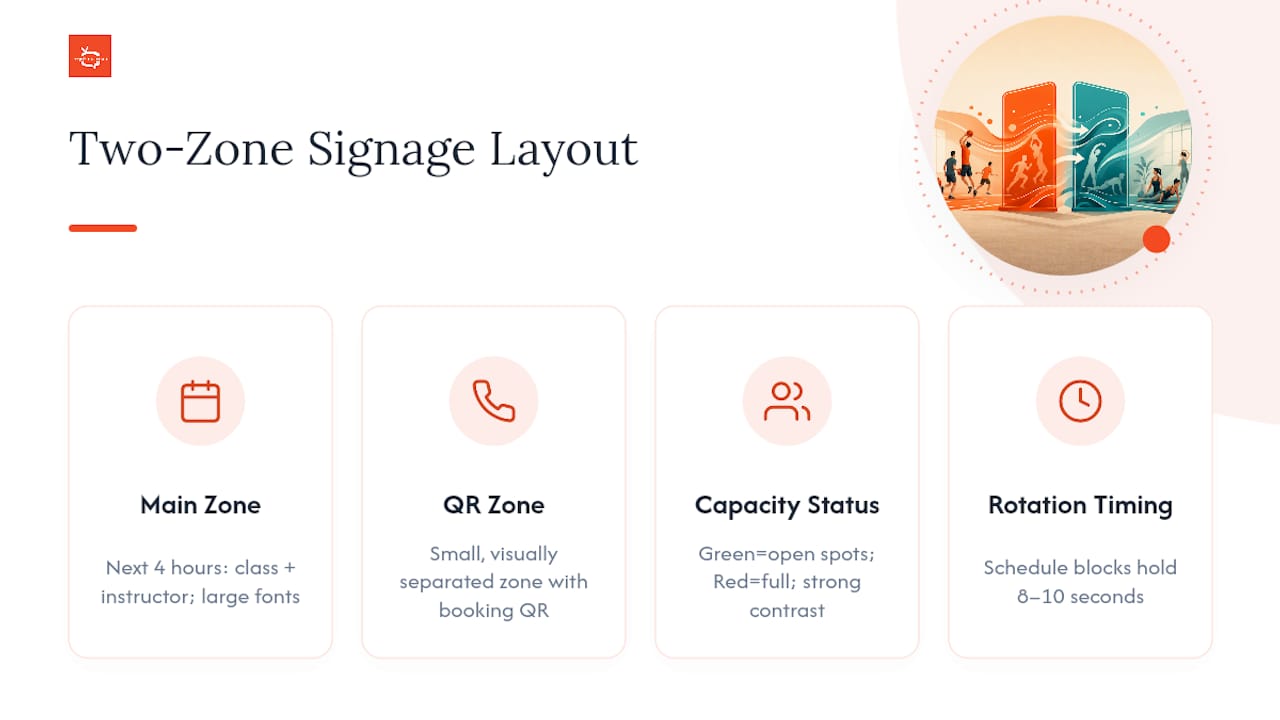
At the entry, show the next four hours of classes plus basic wayfinding. At studio doors, the current class should dominate the screen, with instructor name and room clearly visible, since members often choose classes as much by instructor as by class type. Color-code status: green for open spots, red for full. Keep fonts large enough to read from fifteen feet and maintain strong contrast so nothing washes out under gym lighting.
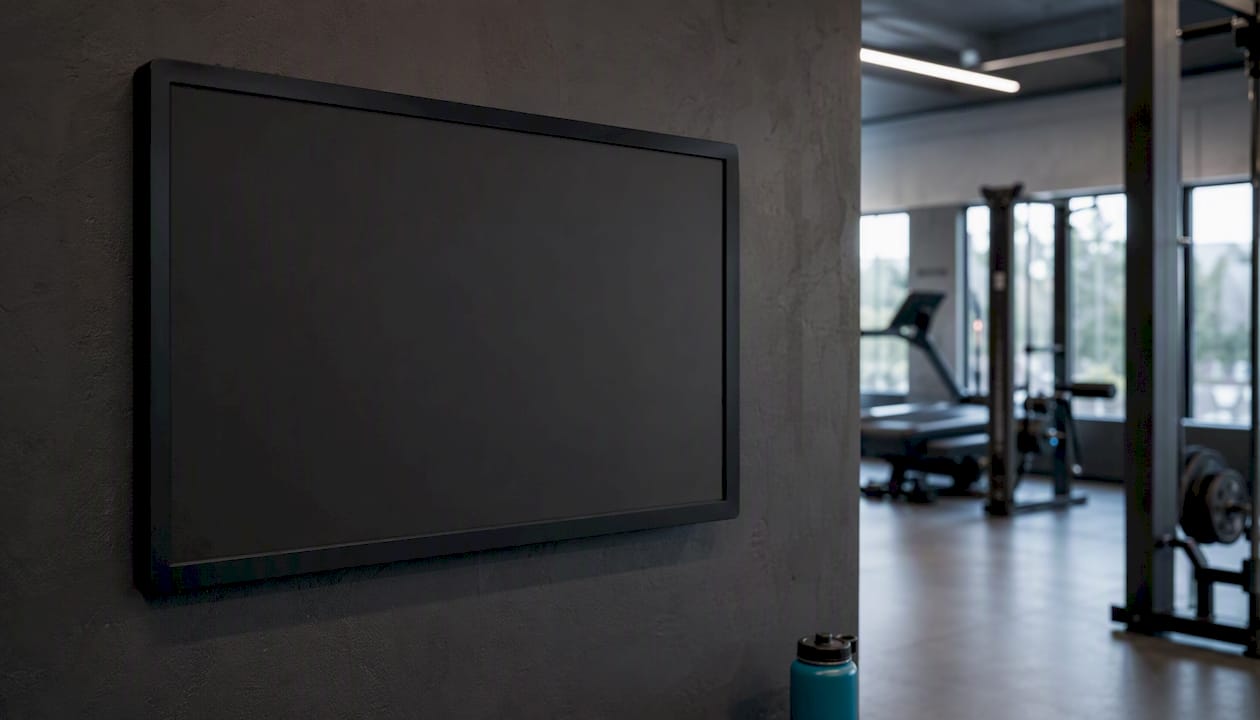
Rotate content on a fixed cadence. Schedule blocks should hold for at least eight to ten seconds before switching to announcements, and expiration rules should retire outdated promos automatically rather than relying on someone remembering to pull them.
Pro Tip: If you’re running multi-zone screens across a hallway or lobby, dedicate one zone to schedule and capacity, and a separate smaller zone to a QR code linking to class booking. Keep the two visually separated so the schedule never feels cluttered.
How Do You Measure the Impact of a Class Schedule Display?
Track operational KPIs alongside revenue KPIs, because attendance alone won’t tell the full story.
Reduction in front-desk schedule inquiries, measured before and after launch
Change in class attendance across comparable weeks
Screen impressions or estimated dwell time near high-traffic panels
Secondary revenue tied to on-screen prompts, like PT consult sign-ups
CMS analytics covering update frequency and content errors
Deployments that lead with live operational content, rather than treating screens as set-and-forget marketing, tend to hold member attention because the content changes daily and stays relevant. Run a short pilot, log baseline inquiry counts and attendance, then compare after rollout. Attribution isn’t perfect. Other factors move attendance too, but the direction of the trend after a schedule display goes live is usually a clear signal.
What Does a Schedule Display Solution Cost?
Expect subscription pricing tied to screens or channels, with hardware and setup as separate line items. Ask vendors to itemize before you sign anything.
Monthly or annual fee per screen or channel
Hardware costs for displays and media players
Installation and mounting labor
Networking and VLAN setup
Professional services for calendar or API integrations
Onboarding and staff training
Ongoing support tier and SLA response times
Enterprise-focused platforms tend to offer deeper integrations with gym management software, while budget-tier options usually cap out at basic calendar widgets. Ask specifically about unlimited-screen policies versus per-screen fees, analytics access, and any revenue split on ad monetization. Watch for hidden costs like API connector fees or charges for custom templates, and negotiate annual pricing or bundled installation to bring the total down.
How SignStream Matches What Gym Operators Need
SignStream is a cloud-based CMS built for exactly this problem: real-time updates, unlimited screen deployment, scheduling integrations, analytics, and ad monetization, all from one login.
Here’s how it maps to the feature checklist above:
Calendar integration pulls your class schedule directly so screens update without manual edits.
Auto-highlighting surfaces the current class and instructor automatically.
Multi-zone support lets entry, hallway, and studio panels run different content from the same account.
Role-based access means a location manager can update their screens without touching others.
Analytics track update frequency, uptime, and content performance.
Ad exchange marketplace lets you cross-promote with nearby businesses or sell screen space, turning idle time into revenue.
One documented case involved a fitness client reporting a 25% rise in class attendance after switching to live schedule displays, a proof point worth weighing as you build your own business case, though your results will depend on your traffic patterns and how consistently you keep content updated.
SignStream offers on-site consultation for hardware layout and mounting, a free consult for operators still evaluating options, and phone demos so you can see the calendar integration working before committing.
If you’re ready to see it running against your own class schedule, book a phone demo and bring your current calendar feed.
The Overlooked Mistake Gym Operators Keep Making
Most gyms buy screens for marketing first and schedules second, then wonder why members stop noticing them within a month. The research is consistent on this point: content that changes daily and delivers real operational value gets looked at every day, while promotional loops get tuned out fast.
The conventional advice treats digital signage as an advertising channel that happens to also show a schedule. Flip that. Treat the schedule as the product and the promotion as a bonus you layer on top once members trust the screen enough to keep checking it. That trust is what makes the QR code or the PT consult prompt actually convert, instead of blending into visual noise nobody reads.
If you’re deploying screens this year, resist the urge to fill every pixel with promotions on day one. Get the schedule right, get the capacity indicators right, and let the promotional layer earn its space gradually. Operators who do this in the pilot phase, one to three screens, tight rollout, clean content, tend to make a much stronger case for expansion than those who try to do everything at once.
Get Your Class Schedules on Every Screen, Updated in Seconds
Signstream replaces the printed sign-up sheet and the outdated studio whiteboard with a live network you update from your phone, in seconds, across every screen in your building. No per-screen fees eating into your budget as you add locations, and no waiting on a vendor’s turnaround to fix a typo on tomorrow’s schedule.

If you run a multi-room facility or manage several locations, that instant control matters more than almost any other feature on your checklist. Add the ad exchange marketplace on top, and your schedule screens can start paying for themselves through local cross-promotion instead of sitting as a pure cost center. Fitness operators exploring AI-assisted class experiences might also look at Fortivus’s AI training system as a complementary integration down the road.
Book a free consult this week and bring your current class calendar. We’ll show you exactly how it looks running live on your own screens before you commit to anything.
Frequently Asked Questions
What is the standard industry term for a gym class schedule display? Most vendors call this “digital signage for fitness centers” or a “class schedule CMS.” Gym class schedule display describes the same setup: cloud software showing live, remotely updated class information on on-site screens.
Can a gym schedule software integrate with my existing booking system? Yes. Most platforms integrate through a public calendar feed (Google Calendar or iCal) or a direct API connection to scheduling software, so class changes appear on screen without manual edits.
How many screens do I need to start? Start with one to three screens at your entry and reception area. That’s where foot traffic is highest, making it the easiest place to measure impact before expanding to studios and hallways.
Does a fitness class schedule display work for multiple locations? A cloud CMS is built for exactly this. You manage every screen across every location from a single login, with role-based access so local managers can update their own zones.
What about tennis court schedule display or golf leaderboard display use cases? The same cloud CMS architecture applies. Whether it’s a gym class timetable, a tennis court booking board, or a golf leaderboard, the core requirements stay consistent: real-time updates, multi-screen support, and remote management from any device.
Sources
Recommended
Comments