

How to Display In-Store Promotions Digitally in Retail
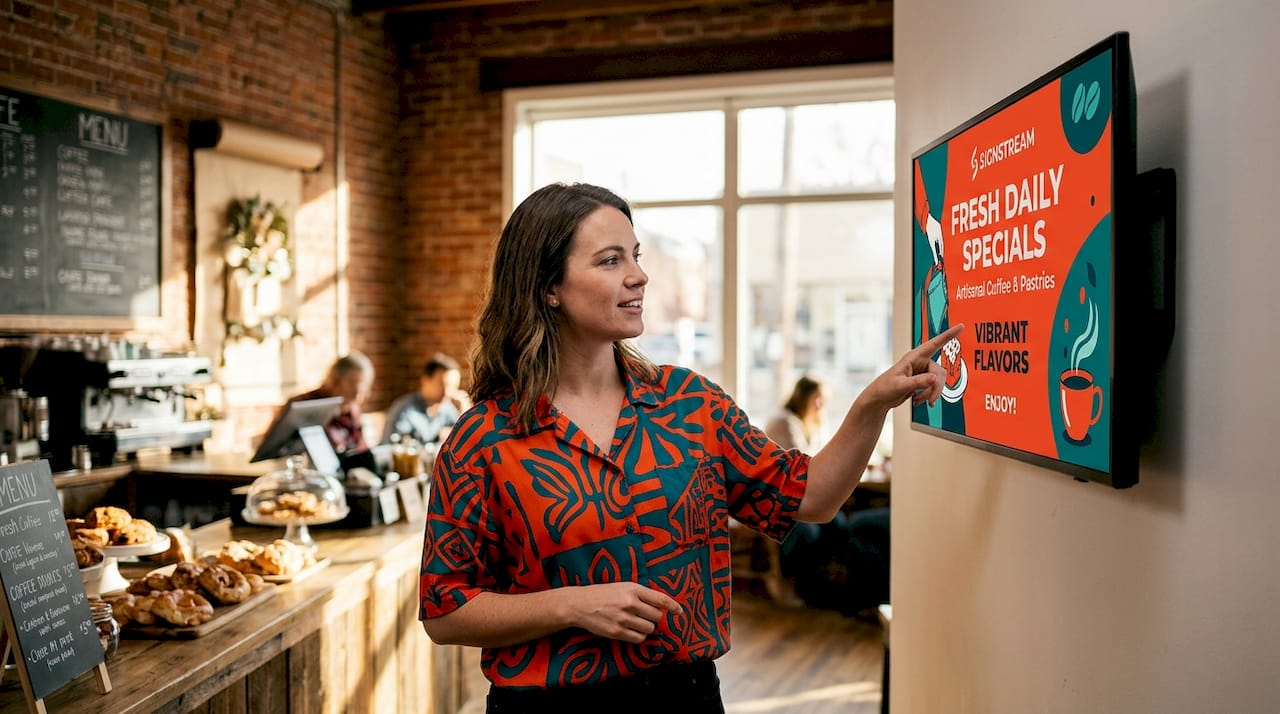
Digital signage for promotions is the practice of deploying commercial display hardware, content management software, and real-time data feeds to replace static print signs with dynamic, targeted messaging across every zone of a retail store. Retailers who display in-store promotions digitally report a 29.5% sales increase and 52% boost in ad recall, with 70% of customers saying digital displays influenced their buying decisions. Those numbers make a clear case: if your promotions still live on foam board and paper, you are leaving measurable revenue on the floor. This guide walks you through hardware selection, real-time inventory integration, zone-specific content strategy, and ROI measurement so you can build a system that actually performs.
How to display in-store promotions digitally: hardware and software
The first decision is choosing the right commercial display for each store zone. Consumer-grade screens fail in retail environments because they are not rated for continuous operation, and their brightness is inadequate for high-ambient-light areas. Zone-specific hardware from Samsung’s commercial lineup illustrates the logic clearly.
Store zone | Recommended display | Key specification |
Storefront window | Samsung OM-Series | High-brightness (2,500+ nits) for daylight visibility |
Entrance and aisles | Samsung QMC-Series | 4K resolution, rated for 24/7 operation |
Aisle endcaps | Samsung QBC-Series | Cost-effective indoor brightness for close viewing |
Checkout counters | Compact commercial monitors | Portrait orientation, queue-time content |
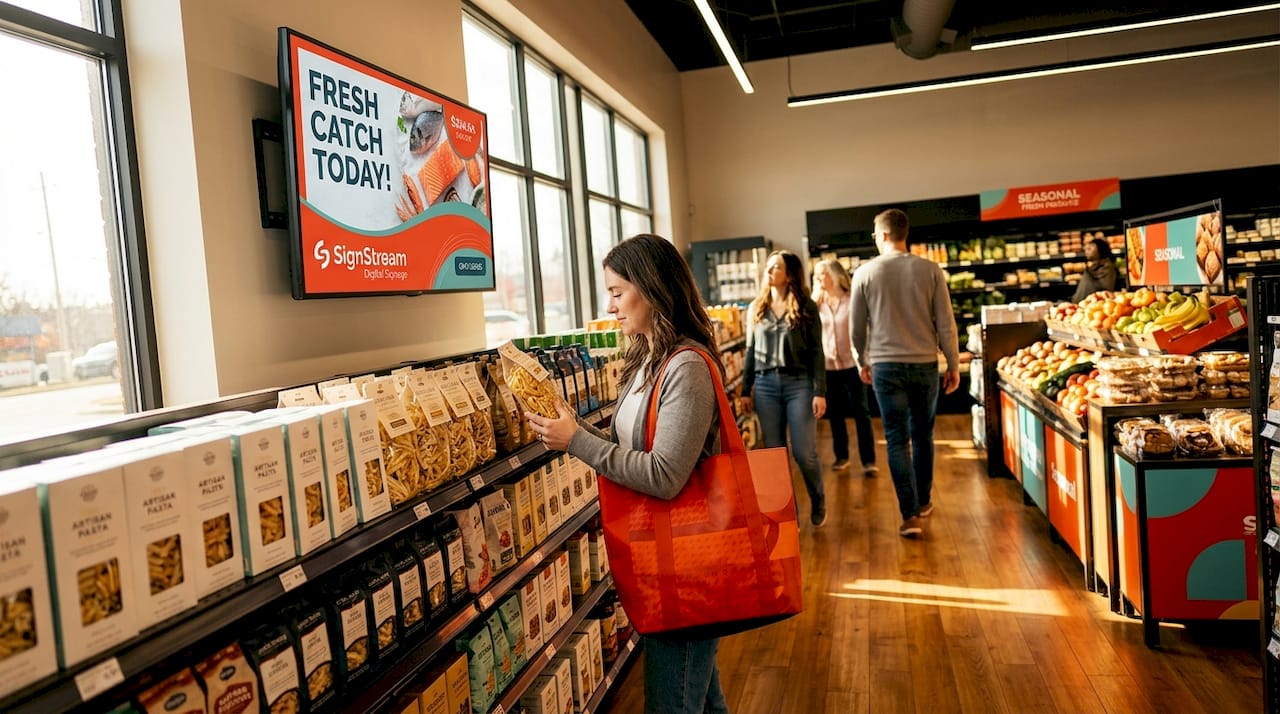
Beyond hardware, you need a content management system (CMS) that controls what plays, when, and where. Samsung MagicINFO and OnQ’s Converge platform are two widely deployed options. MagicINFO supports per-store and per-zone scheduling, day-parted brightness control, and role-based permissions so regional teams can customize content without overriding global brand messaging. That separation of control matters enormously in multi-location retail.
Pro Tip: Select your CMS before you finalize hardware. Some platforms are optimized for specific display manufacturers, and locking in hardware first can limit your software options later.
On budget, the range is wide. Year-one digital signage costs span from roughly $3,100 for a single-screen boutique deployment to over $11 million for enterprise-scale rollouts covering hundreds of locations. That spread reflects hardware quantity, installation complexity, CMS licensing, and ongoing content services. For most mid-size retail chains, a realistic pilot covering three to five zones across one flagship store lands between $15,000 and $80,000 fully loaded. Start there, measure results, then scale.
Choose commercial-grade displays rated for 24/7 operation in every zone
Match screen brightness to ambient light levels: higher nits for windows, lower for interior aisles
Select a CMS with role-based permissions and scheduling granularity
Budget for installation, content creation, and CMS licensing alongside hardware costs
Plan for a pilot deployment before committing to a full-chain rollout
How does real-time inventory integration work for digital promotions?
Promoting an item that is out of stock is one of the fastest ways to erode customer trust. Real-time inventory integration solves this by connecting your digital promotion displays directly to your inventory management system, so only purchasable items appear on screen.
OnQ’s Converge platform integrates IBM AS/400 inventory systems to enable dynamic suppression of out-of-stock SKUs. When a product sells out, the promotion for that item is automatically removed from the display loop without any manual intervention. This keeps your in-store digital advertising accurate and your customers from reaching an empty shelf after being drawn in by a screen. The operational accuracy gain is significant: staff no longer need to manually pull printed signs for sold-out items.
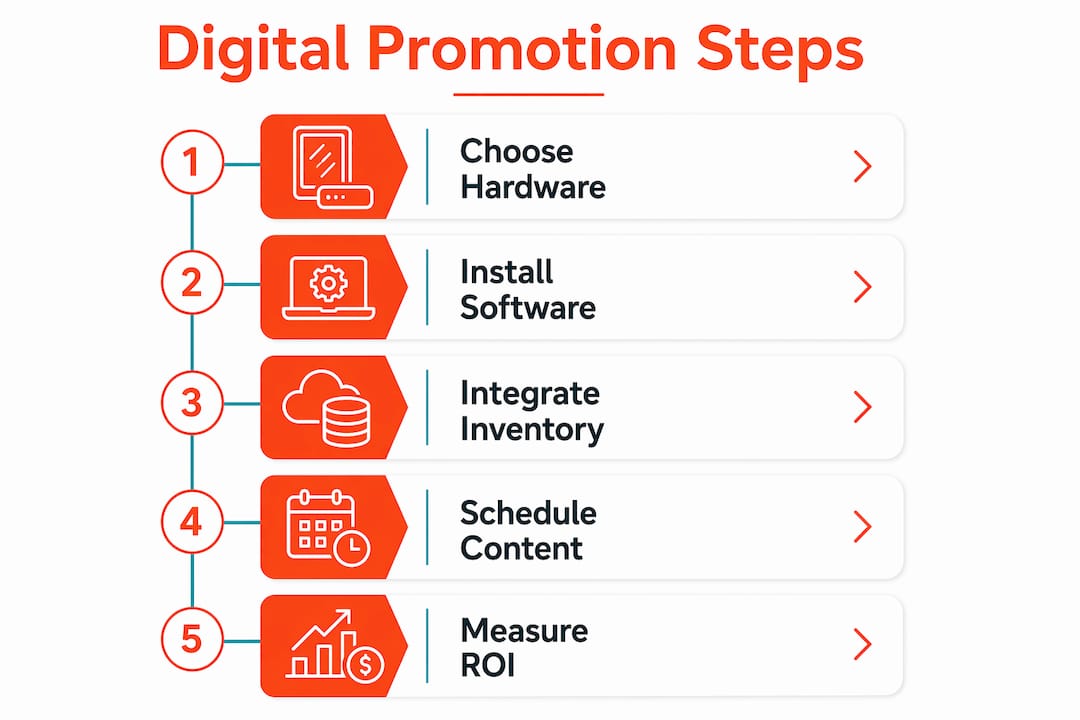
The infrastructure challenge is data freshness. Event-driven inventory propagation and a disciplined reconciliation cadence are critical. Systems that cache and precompute price and inventory states off the customer request path deliver the fastest and most consistent updates to displays. Without that architecture, there is a lag window where a sold-out item can still appear on screen, which defeats the purpose of integration entirely.
Pro Tip: When evaluating CMS platforms, ask vendors specifically about their inventory sync latency. A system that updates every 15 minutes is meaningfully different from one that updates every 2 minutes during peak trading hours.
Key considerations for real-time integration:
Confirm your inventory system (POS, ERP, or legacy platform like IBM AS/400) has an available API or data feed
Define acceptable sync latency thresholds before selecting a platform
Build in a fallback display state for connectivity outages so screens show generic brand content rather than stale promotions
Test suppression logic with actual sold-out scenarios before going live
Monitor data freshness as an ongoing operational KPI, not just a launch-day check
What content strategy works best by store zone?
Generic ad loops running the same creative across every screen in a store are the single biggest waste in digital in-store advertising. Highest-ROI deployments assign a unique content mission to each store zone, matched to the shopper’s mindset at that specific location.
Think about what a shopper is doing at each point in the store. At the storefront, they are deciding whether to enter. At the aisle, they are comparing options. At the endcap, they are open to discovery. At checkout, they are waiting and receptive. Each context calls for a different message.
Zone | Content mission | Effective content types |
Storefront | Drive entry | Flash offers, brand awareness, event promotions |
Entrance | Set the agenda | Weekly deals, loyalty program sign-up, new arrivals |
Aisle shelves | Support the decision | Social proof, product comparisons, bundle offers |
Endcaps | Encourage discovery | Limited-time offers, cross-sell promotions |
Checkout | Maximize dwell time | Loyalty enrollment, add-on suggestions, entertainment |
Day-parted scheduling adds another layer of precision. MagicINFO natively supports scheduling different content blocks by time of day on the same screen, so a morning rush discount and a lunchtime deal can run automatically without any manual content swaps. This is particularly effective for grocery, pharmacy, and food-service-adjacent retail where purchase behavior shifts by hour.
Digital signage also enables interactive store displays and immersive experiences that go well beyond static content, including touchscreen product finders, QR-triggered loyalty enrollment, and live social media feeds. These formats increase dwell time at decision points, which directly correlates with higher basket sizes.
How do you measure the ROI of digital in-store promotions?
Measurement is where most retail digital signage programs fall short. Single-day before-and-after comparisons are too noisy to be meaningful. 60-day pre/post measurement periods using defined KPIs give you data you can actually act on.
Define your metrics before you launch, not after. The four KPIs that matter most for in-store digital promotions are:
Footfall: Total visitor count measured via door counters or camera analytics. Compare the 60 days before activation against the 60 days after, controlling for seasonality.
Basket size uplift on promoted SKUs: Track average transaction value for items featured on digital displays versus a control group of non-promoted items in the same category.
Dwell time: Measure how long shoppers spend in zones with active displays. Longer dwell time at endcaps and decision points correlates with higher conversion.
Repeat-visit rate: Pull loyalty program data to track whether customers who engaged with digital promotions return more frequently within a 30-day window.
“Retail digital signage measurement should be modeled after retail media principles: define experiment metrics upfront, run adequate pre/post periods to avoid traffic noise, and use comprehensive KPIs like basket size lift and repeat visits for true ROI assessment.” — DisplayDetails, 2026
CMS platforms with built-in analytics, like MagicINFO, let you correlate content play logs with sales data from your POS system. That connection is what turns a screen into a measurable revenue channel rather than a decoration. Build the reporting workflow into your launch plan so you are capturing data from day one.
Key takeaways
Retailers who display in-store promotions digitally with zone-specific content, real-time inventory integration, and 60-day measurement cycles consistently outperform those running generic static or looping ad content.
Point | Details |
Match hardware to zone | Use Samsung OM-Series for windows, QMC for aisles, and QBC for endcaps to optimize visibility. |
Integrate inventory in real time | Platforms like OnQ’s Converge suppress out-of-stock SKUs automatically, protecting customer trust. |
Assign one mission per zone | Zone-specific content outperforms generic loops; tailor messaging to shopper context at each location. |
Measure over 60 days | Short measurement windows produce noisy data; use footfall, basket size, dwell time, and repeat visits. |
Start with a pilot | Deploy across one flagship store first, validate ROI, then scale to additional locations. |
What I’ve learned from watching digital signage deployments succeed and fail
Most digital signage projects I have seen underperform for one of two reasons: the content strategy is an afterthought, or the measurement plan does not exist at all. Retailers invest in the hardware, get the screens on the wall, and then fill them with the same promotional creative they were already printing. The result is a more expensive version of the same static problem.
The deployments that generate real returns start with the zone content mission, not the screen. Before a single display is ordered, the team maps out what each zone needs to accomplish for the shopper standing there. That discipline forces better creative briefs, better scheduling logic, and better integration with inventory data.
I would also push back on the idea that real-time inventory integration is a “phase two” feature. Promoting a sold-out item on a bright, prominent screen is worse than not promoting it at all. It creates a negative experience at exactly the moment a customer is ready to buy. If your CMS cannot suppress unavailable SKUs, that is a capability gap to close before you scale, not after.
Start smaller than you think you need to. A three-zone pilot in one store, measured properly over 60 days, will tell you more than a rushed 20-store rollout ever will. The data from that pilot is what earns internal budget for the next phase.
— DKS
How Signstream helps you manage digital promotions across every store
Signstream is built for exactly this kind of deployment. The platform lets you update multiple screens instantly from any device, schedule zone-specific content, and manage campaigns across unlimited screens without extra per-screen charges. Whether you are running a single flagship or a growing chain, Signstream scales with you.

Signstream’s ad display network also opens a revenue channel most retailers overlook: you can monetize your own screens by participating in a local ad exchange marketplace, letting other businesses promote to your foot traffic while you earn from the inventory. For marketing managers who need to justify digital signage spend to finance, that offset changes the conversation entirely. Explore Signstream’s pricing plans to find the right fit for your store count and content volume.
FAQ
What hardware do I need to display promotions digitally in-store?
Commercial-grade displays rated for 24/7 operation are the baseline requirement. Samsung’s OM-Series, QMC-Series, and QBC-Series cover storefront, aisle, and endcap zones respectively, with brightness and resolution specs matched to each environment.
Why do digital displays increase retail sales?
Retailers report a 29.5% sales lift after implementing digital signage, driven by higher ad recall and the ability to run time-sensitive promotions that static signs cannot deliver.
How do I prevent digital promotions from showing out-of-stock items?
Integrate your CMS with your inventory system using a platform like OnQ’s Converge, which dynamically suppresses sold-out SKUs from the display loop in real time, keeping promotions accurate without manual updates.
How long should I run a measurement campaign to assess ROI?
A 60-day pre/post measurement period using KPIs like footfall, basket size uplift, and repeat-visit rate gives reliable results. Single-day comparisons produce data too noisy to make decisions from.
Can small retailers afford digital in-store advertising?
Yes. A single-screen boutique deployment can start at around $3,100 fully loaded. Platforms like Signstream offer affordable signage solutions with no per-screen fees, making digital promotion accessible well below enterprise budget levels.
Recommended
Comments