

Ways Screens Increase Restaurant Revenue in 2026
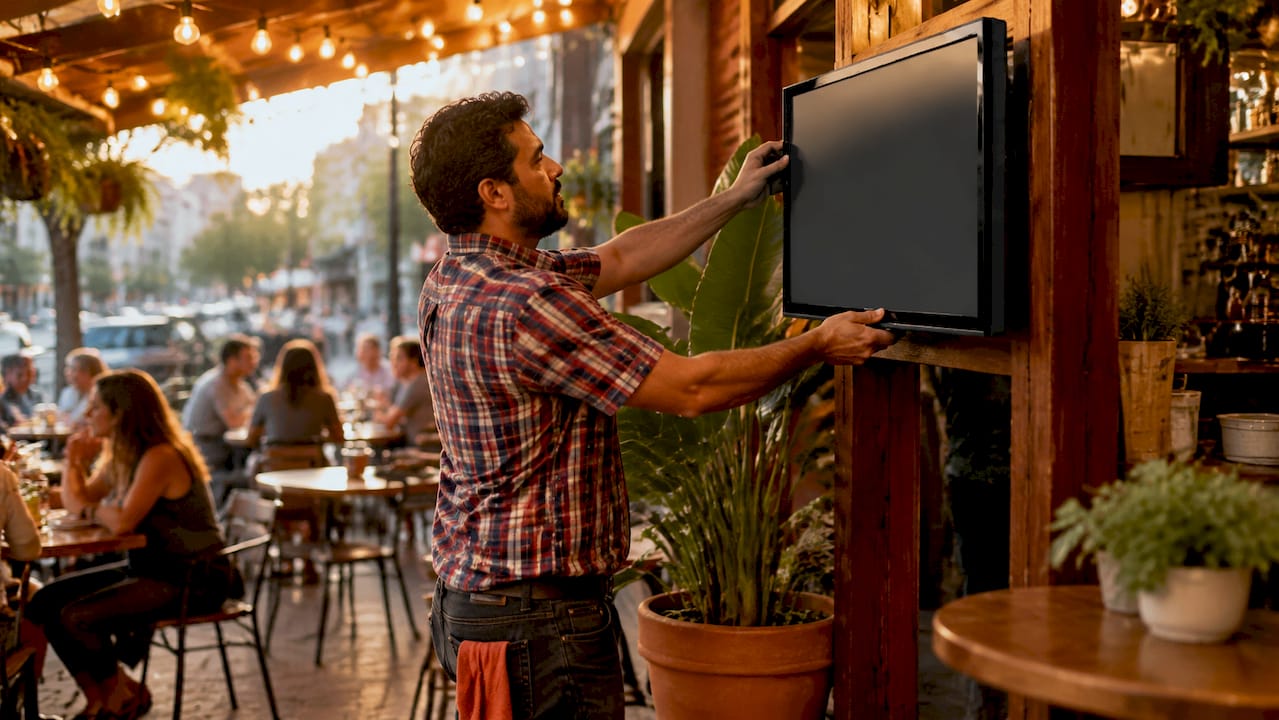
Digital screens are one of the most direct tools a restaurant owner can use to increase revenue without adding staff or floor space. The ways screens increase restaurant revenue range from promoting high-margin items at the right moment to speeding up order processing and reducing costly print runs. According to Networld Media Group research, digital menu boards deliver a consistent 3–5% average sales uplift, with faster content turnaround times of 29%. That number compounds quickly across a busy week of service. The industry term for this category of technology is digital signage, and it covers everything from menu boards to interactive ordering kiosks to promotional displays near the register.
1. How screens increase restaurant revenue through dynamic menu boards
Dynamic digital menu boards are the single most proven screen strategy for lifting average check size. Quick-service restaurants using digital menus see order value increases of 15–30% compared to static boards. That gain comes from three specific mechanisms: visual hierarchy, flexible content, and time-of-day scheduling.
Visual hierarchy means placing your highest-margin items at the top of the screen with larger images and warmer colors. Visually emphasizing high-margin items with specific framing drives stronger sales than simply digitizing a paper menu. Customers follow their eyes, and a well-designed screen guides them toward the items you most want to sell.
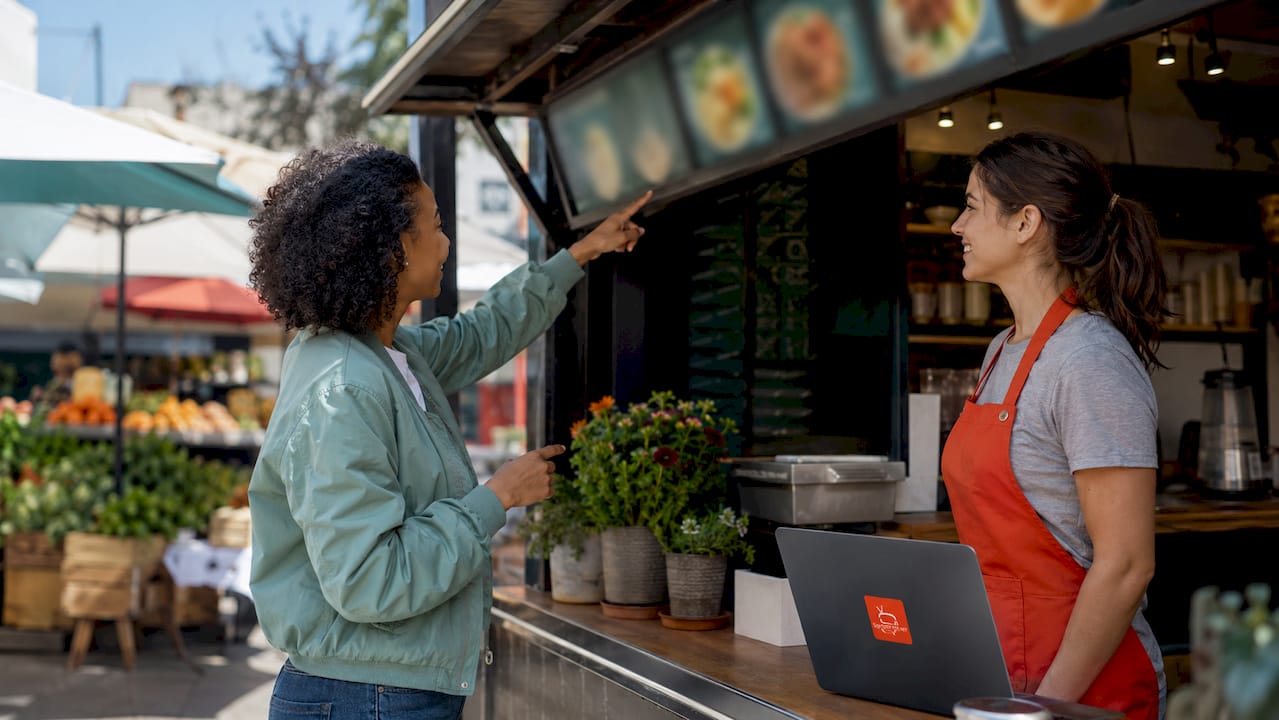
Flexible content removes friction. When an item sells out, you update the screen in seconds instead of crossing it off a chalkboard. That small change protects the customer experience and prevents the frustration of ordering something unavailable.
Pro Tip: Schedule a “limited time” badge on your two highest-margin items during peak hours. The visual urgency alone increases selection rates without any verbal prompting from staff.
2. Dayparting: matching screen content to the time of day
Dayparting is the practice of scheduling different screen content for breakfast, lunch, and dinner. Scheduled time-of-day content rotation doubles promotional relevance and sales impact compared to static all-day displays. A customer ordering at 7:30 AM responds to coffee and pastry promotions. The same customer at noon wants a lunch combo deal.
Most cloud-based digital signage platforms let you build these schedules once and run them automatically every day. You set the rules, and the screen does the work. This is one of the clearest examples of how technology replaces a task that previously required a manager’s daily attention.
The revenue impact is direct. When your screen shows the right item at the right moment, the customer is more likely to add it to their order. That single behavioral nudge, repeated across hundreds of daily transactions, adds up to meaningful weekly revenue.
3. Promotional screens that drive impulse purchases
Screens placed near the point of purchase are purpose-built for impulse sales. Indoor digital displays near purchase points generate an 18% increase in basket size for promoted items. That figure reflects a simple truth: customers make final decisions at the counter, and a well-timed visual prompt changes what they order.
Flash promotions are particularly effective. You can push a time-sensitive deal to every screen in your location within seconds. No printing, no staff briefing, no delay. The offer is live before the lunch rush starts.
Digital signage functions as an automated salesperson. It runs upsell sequences on every customer, at every transaction, without fatigue or inconsistency. The screen never forgets to mention the dessert special.
Loyalty-based promotions take this further. When you integrate dynamic product recommendations with your loyalty program data, your screens can display personalized offers based on what a returning customer typically orders. That level of targeting was previously available only to large chains. Affordable cloud platforms now make it accessible to independent operators.
4. How interactive screens improve order accuracy and table turnover
Interactive customer-facing screens, including self-order kiosks and POS-integrated confirmation displays, increase revenue by reducing errors and speeding up service. POS-integrated screens improve order accuracy and satisfaction by letting customers confirm their selections before the order is sent to the kitchen. Fewer errors mean fewer remakes, lower food waste, and faster table turnover.
The upselling benefit is equally significant. Interactive screens prompt customers with add-on suggestions during the ordering process. “Add a side for $2?” or “Upgrade to a large for $1?” These prompts appear at the exact moment the customer is already committed to spending. Research on AI for upselling confirms that automated prompts at the point of decision consistently outperform verbal staff suggestions in both consistency and conversion rate.
Faster ordering also means faster table turnover. More covers per shift equals more revenue from the same physical space. For high-traffic restaurants, even shaving two minutes off the average ordering time creates measurable throughput gains.
Pro Tip: Place your interactive screen at a slight angle toward the customer rather than flat against the counter. Eye contact with the screen increases by a measurable margin, and customers engage with upsell prompts more often.
5. Cost-effective setups for small and medium restaurants
The cost barrier to digital signage is lower than most restaurant owners expect. Small operators can launch digital signage with a first-year cost around $500–$550 using consumer-grade TVs and a basic media player. ROI typically arrives within six months through combined savings on printing and increased sales from impulse buying.
The table below shows how a basic setup compares to a more advanced configuration.
Setup type | Typical first-year cost | Key features |
Entry-level (1 screen) | $500–$550 | Consumer TV, media player, cloud software |
Mid-range (2–4 screens) | $1,200–$2,000 | Commercial displays, scheduling, analytics |
Multi-location platform | $3,000+ | Unlimited screens, remote management, ad network |
Cloud-based management software is the key enabler at every price point. It lets you update content remotely, schedule promotions in advance, and manage multiple screens from a single device. You do not need a technician on site to make changes. Signstream, for example, deploys across unlimited screens at no extra charge and requires no technical expertise to operate.
Savings on printed menus and promotional materials contribute directly to positive ROI alongside the sales uplift. A restaurant printing seasonal menus four times a year can redirect that budget toward better screen content instead.
6. Using screens to promote high-margin items strategically
Not every item on your menu deserves equal screen real estate. The most effective screen strategy focuses on items with the highest contribution margin, not the highest price. A $12 pasta dish with a 70% margin beats a $28 steak with a 30% margin every time.
70% of customers say digital signage influences their purchase decisions. That statistic means your screen is already shaping what customers order. The question is whether you are directing that influence toward your most profitable items or leaving it to chance.
Work with your kitchen team to identify the top five items by margin. Build screen content around those items first. Use professional food photography, clear pricing, and short descriptive text. Rotate these items into every daypart where they are relevant.
7. Turning screens into a second revenue stream
Screens do not only sell food. They can also generate advertising revenue from local businesses that want to reach your customers. Signstream’s ad display network lets restaurant owners monetize their screens by displaying ads from nearby businesses during off-peak content slots. A coffee shop can display a gym ad during the morning rush. A lunch spot can promote a local retailer between the midday and dinner service.
This model turns a cost center into a revenue line. The screen pays for itself through ad income while still running your own promotional content during peak hours. For small operators, this additional income stream can cover the entire annual cost of the platform.
Cloud-based systems allow instant updates across multiple screens and locations, making ad scheduling and content management straightforward. You control what runs, when it runs, and how long it stays live.
8. Content strategy and analytics for ongoing revenue growth
A screen with stale content stops working. The most effective restaurant operators treat their digital signage content the same way they treat their menu: reviewed regularly, updated seasonally, and tested against sales data.
Pull weekly sales reports and identify which promoted items saw the biggest lift.
Remove sold-out or discontinued items from screens immediately to avoid customer frustration.
Rotate seasonal offers, local event tie-ins, and limited-time specials to keep content fresh.
Test different images for the same item and compare sales performance over two-week periods.
Use your platform’s analytics to track which content slots drive the most add-on purchases.
Digital signage delivers a 52% ad recall rate boost and contributes to a 29.5% increase in sales in retail settings. Restaurants that apply the same content discipline as retailers capture the full benefit of that recall advantage. Those that set screens once and forget them capture only a fraction of the potential.
Pro Tip: Review your screen content every Monday morning. A five-minute check to confirm accuracy and relevance is the single highest-return maintenance habit for any restaurant running digital signage.
Key takeaways
Digital screens increase restaurant revenue most effectively when content is scheduled by time of day, focused on high-margin items, and updated regularly using real-time data.
Point | Details |
Digital menu boards lift order value | Quick-service restaurants see 15–30% average order value increases with well-designed digital menus. |
Impulse screens near the register work | Indoor displays at purchase points generate an 18% basket size increase for promoted items. |
Dayparting doubles promotional impact | Scheduling content by time of day outperforms static all-day displays in both relevance and sales. |
Entry-level setups cost under $600 | Small operators can launch with consumer TVs and cloud software for around $500–$550 in year one. |
Screens can generate ad revenue | Platforms like Signstream let restaurants monetize screens with local business ads between content slots. |
Screens are the most underused sales tool in most restaurants
I have spent years watching restaurant owners invest in new kitchen equipment, staff training, and loyalty apps while leaving their screens running a slideshow from three years ago. The missed revenue is real and it is consistent.
The thing most operators do not realize is that a screen is not decoration. It is a sales channel. Every minute a customer spends looking at your display is a minute you have to influence what they order. A static image of your logo wastes that minute. A well-placed visual of your highest-margin dessert does not.
The adoption barrier is almost always psychological, not financial. Once a restaurant owner sees that a $500 setup can return its cost within six months, the decision becomes obvious. The harder part is committing to ongoing content management. Screens that are updated weekly outperform screens that are set once by a wide margin. That discipline is what separates operators who see real revenue gains from those who conclude that “the screens didn’t work.”
My honest advice: start with one screen near your register, focus it entirely on your top three margin items, and schedule it by daypart from day one. Measure your average check size before and after. The data will tell you everything you need to know about whether to expand.
— DKS
Signstream makes it straightforward to put screens to work
Restaurant owners who want to act on these strategies without a steep learning curve have a clear starting point. Signstream’s cloud-based digital signage platform works with existing consumer TVs and low-cost media players, so you do not need to replace hardware you already own. You can schedule content by daypart, push real-time promotions to every screen at once, and manage everything remotely from your phone or laptop.

Signstream deploys across unlimited screens at no extra charge, and the interface requires no technical background to use. Restaurants using the platform also gain access to an ad exchange marketplace, which lets you earn revenue from local business ads displayed during off-peak slots. If you are ready to see how it works, the setup is faster than most operators expect.
FAQ
How much do digital menu boards increase sales?
Digital menu boards increase average order value by 3–8% on average, with quick-service restaurants achieving 15–30% gains when combining visual merchandising with daypart scheduling.
What is the cost to set up digital signage in a small restaurant?
Small operators can launch digital signage for around $500–$550 in year one using a consumer TV, a basic media player, and cloud management software, with ROI typically achieved within six months.
Do screens near the register actually increase sales?
Yes. Indoor displays at purchase points generate an 18% increase in basket size for promoted items, making counter placement one of the highest-return screen positions in any restaurant.
Can restaurant screens generate revenue beyond food sales?
Platforms like Signstream include an ad exchange marketplace that lets restaurants display local business ads on their screens during off-peak content slots, creating a direct additional revenue stream from existing hardware.
How often should restaurant screen content be updated?
Content should be reviewed at minimum weekly, with sold-out items removed immediately and seasonal or promotional content rotated every two to four weeks to maintain customer engagement and sales relevance.
Recommended
Comments