

How In-Store Promotional Screens Work for Retail Managers
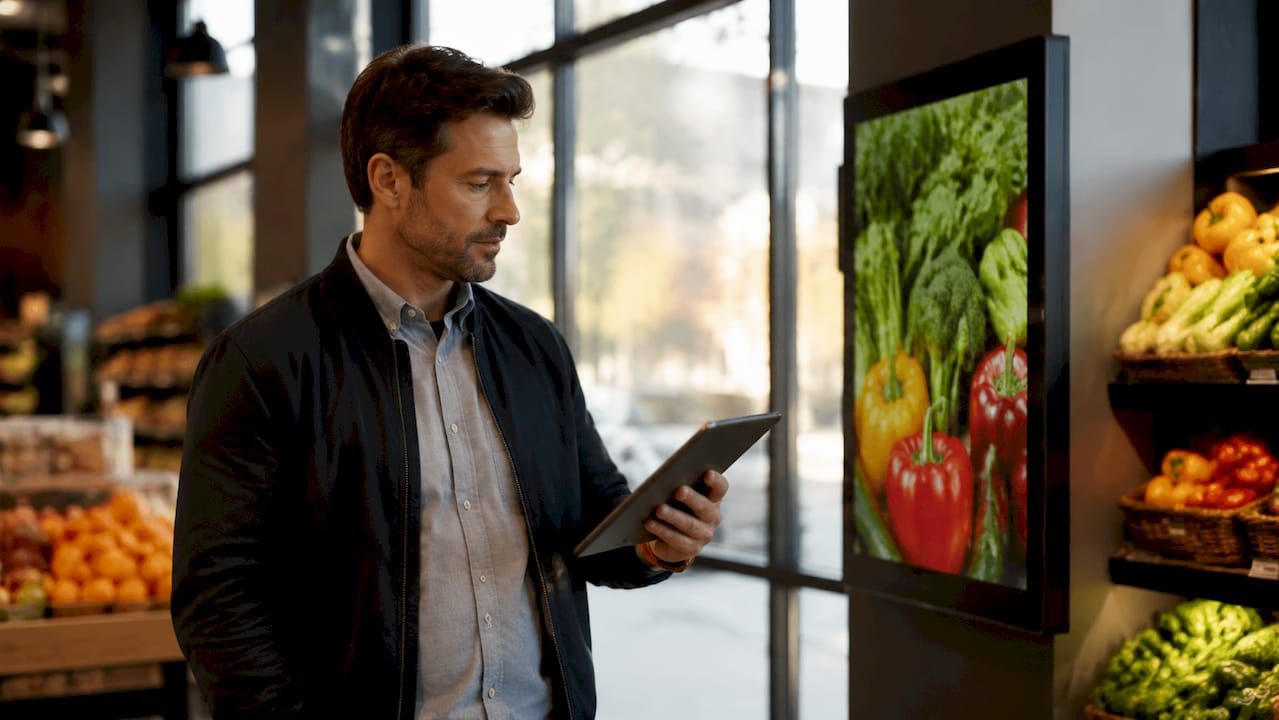
In-store promotional screens are defined as networked digital displays controlled by a centralized content management system (CMS) that schedules, delivers, and updates visual content across retail locations in real time. The industry standard term for this technology is retail digital signage, and understanding how it functions gives you a direct advantage over competitors still relying on printed posters and static displays. A centralized CMS acts as the command center, managing every screen remotely without requiring manual changes at each location. The result is consistent, timely messaging that responds to your store’s actual conditions, from live pricing to inventory levels to time-sensitive promotions. This guide breaks down the full system so you can make confident decisions about deploying and managing in-store digital signage.
How in-store promotional screens work: the core system
The technology behind promotional screens is a three-layer architecture. The CMS governs content and scheduling, media players render content locally, and data feed management keeps pricing and inventory information current. Each layer has a specific job, and when they work together, the result is a display network that operates with minimal manual input.
Hardware forms the physical foundation. Screen types include LCD panels, LED video walls, interactive kiosks, and shelf-edge displays, each suited to a different retail environment and customer decision point. A media player, typically a compact device mounted behind or integrated into the screen, receives content from the CMS and handles local playback. Network connectivity, delivered via Wi-Fi, Ethernet, or cellular, keeps the media player synced with the CMS so updates push through immediately.
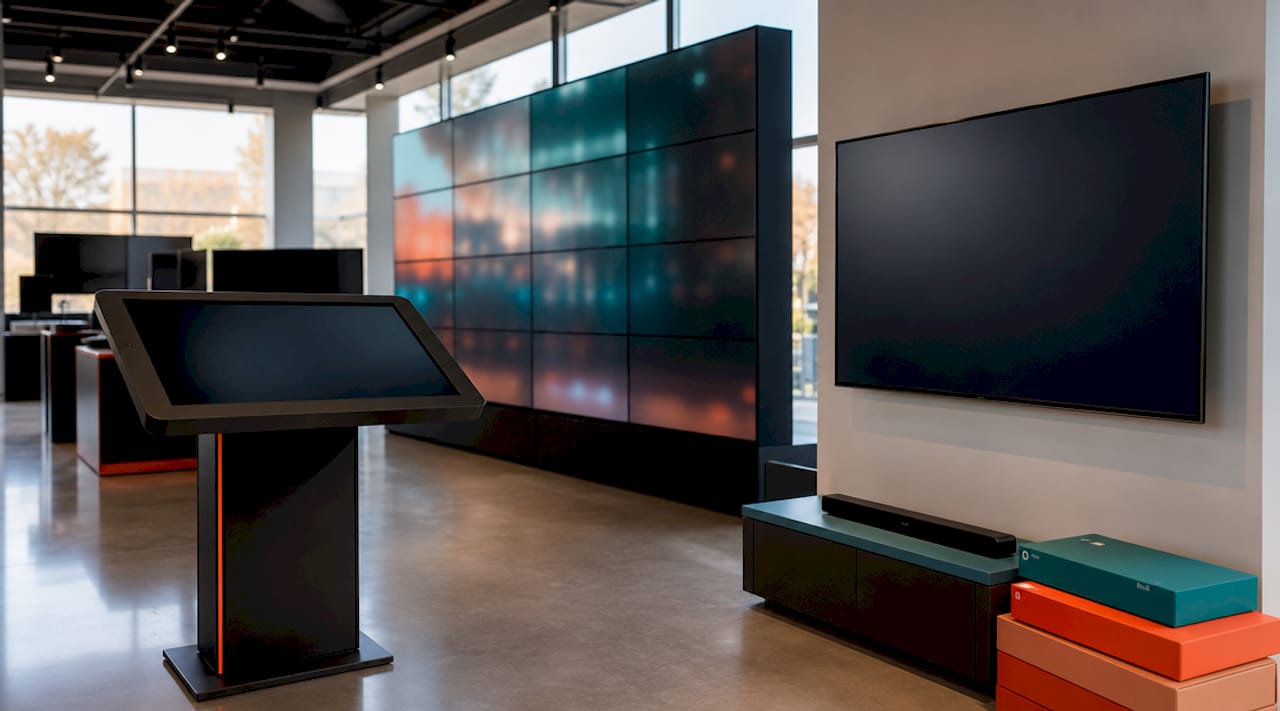
Software is where the real control lives. Modern CMS platforms offer drag-and-drop editors, live data integration, and remote cloud-based management across multiple locations. This means your marketing team can update a promotion in one place and have it live on every screen in every store within minutes.
Here is a breakdown of the key components:
Display screens: LCD and LED panels for general signage, video walls for high-impact brand moments at store entrances, and shelf-edge displays for product-level promotions
Media players: Small computing devices that store and play content locally, maintaining playback even when the network connection drops
CMS software: The platform where you upload content, build playlists, set schedules, and monitor screen status across all locations
Network infrastructure: Wi-Fi or Ethernet for most retail environments, with cellular as a backup for locations where wired connections are impractical
Content zones: Screen layouts divided into regions, allowing you to show a promotion in one area and a brand video in another simultaneously
Pro Tip: When selecting hardware, match screen type to the customer’s position in the buying journey. A video wall at the entrance builds brand awareness; a shelf-edge display at the product level drives the final purchase decision.
How does content scheduling work across multiple screens?
Scheduling is the operational core of any retail digital signage system. The CMS lets you define exactly what plays, where it plays, and when, down to the minute. You can set content to run on specific dates, repeat on a weekly cycle, or trigger based on time of day. This last capability, known as dayparting, is particularly useful for retailers who want to show breakfast promotions in the morning and dinner specials in the afternoon without any manual intervention.
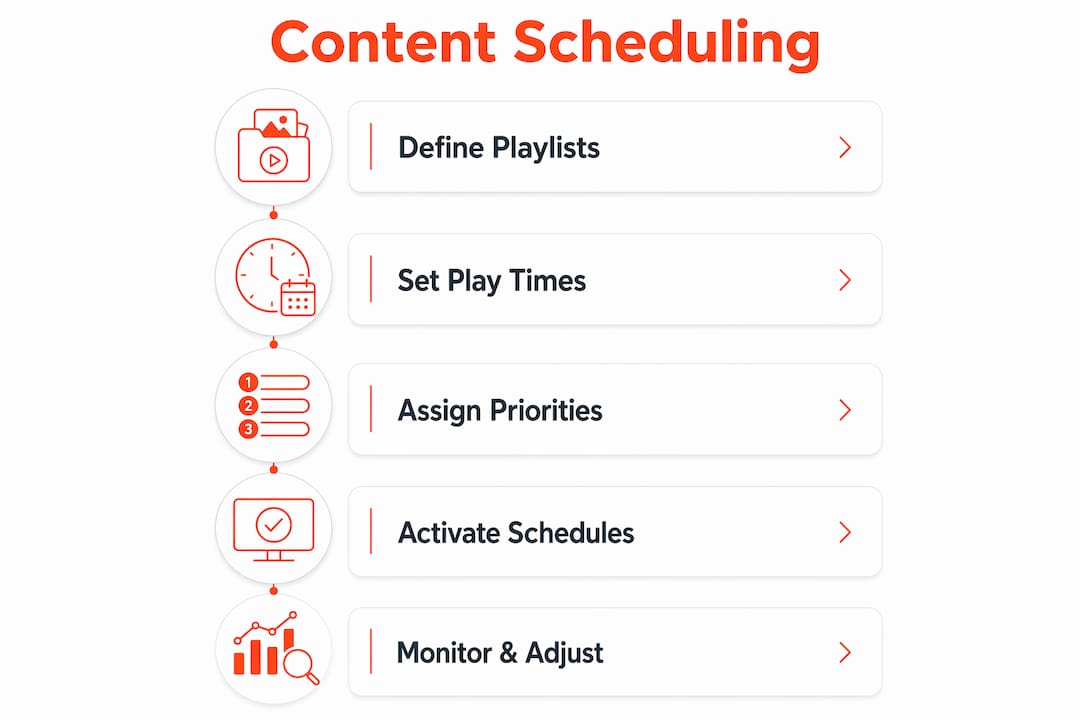
The mechanics of scheduling reliability are worth understanding. Scheduling rules reside locally on media players and are triggered by the players’ internal clocks, which means content switches on time even if the network goes down. This local execution model is what separates professional digital signage from consumer-grade streaming setups that break the moment the Wi-Fi stutters.
Content priority is the system that prevents scheduling conflicts. Here is how a standard priority hierarchy works:
Emergency alerts (priority 10): Override everything on screen immediately, used for safety announcements or urgent store communications
Key promotions (priority 7): Flash sales, limited-time offers, and campaign-specific content that must appear during defined windows
Standard content (priority 5): Default brand loops, product information, and evergreen messaging that fills any unscheduled time
Priority levels resolve conflicts automatically, so a flash sale promotion correctly overrides the default brand loop without anyone touching the system. This design means your screens always show the most relevant content for the moment, not whatever happened to be loaded last.
Scheduling feature | What it does for your store |
Dayparting | Rotates content by time of day to match shopper behavior and traffic patterns |
Date-based scheduling | Activates seasonal or event-specific campaigns automatically |
Priority overrides | Ensures urgent messages and key promotions always appear above default content |
Recurring playlists | Keeps evergreen content running without manual reloading |
Multi-location management | Pushes the same schedule to every store or customizes by location from one dashboard |
Pro Tip: Build your default playlist first, then layer promotions on top using priority levels. This way, your screens are never blank, and time-sensitive offers always cut through without disrupting the base content loop.
What integrations make promotional screens respond to real-time retail data?
Static content is a missed opportunity. The real power of in-store digital signage comes from connecting your screens to the live data your business already generates. Integration with POS, inventory, loyalty, and ecommerce systems enables screens to display live pricing and inventory-aware promotions, so you never advertise a product that is out of stock.
Consider what this looks like in practice. A grocery retailer connects their inventory system to their shelf-edge displays. When stock of a particular item drops below a set threshold, the screen automatically switches from a promotional price to a “while supplies last” message. A fashion retailer links their loyalty platform to screens near the checkout, showing personalized reward balance reminders to members as they queue. These are not hypothetical scenarios. They are the direction the industry is moving, toward hyper-personalized, data-driven screens that update promotions in real time.
The integration benefits extend to operational efficiency as well:
Live pricing accuracy: Price changes in your POS system reflect on screens immediately, removing the risk of displaying outdated offers
Inventory-aware promotions: Screens only advertise products that are actually available, protecting your brand from customer frustration
Loyalty messaging: Personalized content for loyalty members increases the perceived value of the program and drives repeat visits
Ecommerce alignment: Screens can mirror online promotions, creating a consistent experience between your digital and physical channels
One consideration that often gets overlooked is fallback content. Offline or cached content strategies prevent broken messaging when live data feeds for pricing or inventory lag or fail. A well-designed system always has a pre-approved static version of each promotion ready to display if the live feed goes down. Without this, a data outage can leave your screens showing blank panels or error states, which is worse than showing nothing at all. Connecting your screens to POS systems is one of the highest-value integrations you can make.
What content strategies maximize engagement on promotional screens?
Content quality determines whether your screens actually influence customer behavior or simply add visual noise to the store. The most effective in-store digital signage combines the right format with the right message at the right moment in the customer journey.
Video outperforms static images for attention capture, particularly at high-traffic locations like store entrances and checkout queues. HTML layouts with live data widgets, such as countdown timers for flash sales or real-time stock counters, create urgency without requiring manual updates. For flash sale display screens, the combination of a countdown timer and a limited quantity indicator consistently drives faster purchase decisions.
Content type | Best placement | Primary goal |
Brand video loops | Store entrance, waiting areas | Awareness and brand reinforcement |
Product promotions with live pricing | Shelf-edge, near product displays | Conversion at the point of decision |
Countdown timers and flash sale alerts | Checkout, high-traffic aisles | Urgency and impulse purchase |
Wayfinding and store maps | Entry points, large format stores | Navigation and customer experience |
Loyalty program messaging | Checkout, service counters | Retention and repeat purchase |
Interactive displays, including touchscreen kiosks, add another dimension. Customers can browse product catalogs, check stock availability, or access loyalty account details without staff assistance. This reduces queue pressure during peak hours and gives shoppers a sense of control over their experience. For retailers looking to increase impulse purchases, placing interactive displays near complementary product sections is a proven tactic.
Content freshness matters as much as content quality. Screens showing the same loop for weeks lose their ability to capture attention. A practical rule is to refresh your primary promotional content at least every two weeks, with seasonal and event-based content layered in on a defined calendar.
Key takeaways
In-store promotional screens work through a connected system of hardware, CMS software, and real-time data integrations that together deliver precise, timely content to the right screen at the right moment.
Point | Details |
CMS is the control hub | A centralized CMS manages all screen content, scheduling, and remote updates across every location. |
Local scheduling ensures reliability | Media players execute schedules from internal clocks, so content switches correctly even without network access. |
Priority levels prevent conflicts | Emergency alerts, promotions, and default content each carry a priority level that resolves overlaps automatically. |
Data integration drives relevance | Connecting screens to POS and inventory systems keeps pricing accurate and removes promotions for out-of-stock items. |
Content strategy determines impact | Matching content format and placement to the customer’s position in the buying journey maximizes conversion. |
What I’ve learned about getting promotional screens right
After working with retail and hospitality businesses on digital signage deployments, the most common failure point is not the technology. It is the lack of a content governance plan before the screens go live. Managers invest in hardware and a CMS, then realize they have no process for who creates content, who approves it, and how often it gets refreshed. The screens go live with a strong opening week, then slowly fill up with stale promotions that no one has the time or authority to update.
The second mistake I see consistently is skipping screen group segmentation. Deployments that fail to segment screen groups by store zone end up with schedule conflicts and content errors that undermine the whole system. A flagship store entrance screen should not be running the same playlist as a back-of-store clearance section. Mapping your screen groups before you build a single playlist saves hours of troubleshooting later.
The businesses that get the most from their signage treat it like a media channel, not a set-and-forget installation. They assign ownership, build a content calendar, and review performance data monthly. When you approach it that way, the screens become a genuine revenue driver rather than expensive wallpaper. Avoiding the common platform selection mistakes from the start puts you well ahead of most retailers.
— DKS
See how Signstream makes this work for your stores

Signstream is a cloud-based digital signage platform built for retail and business managers who need to manage multiple screens without a technical team. You can update promotions, push schedule changes, and monitor screen status from any device, in real time, across unlimited screens at no extra charge. The platform connects to live data sources so your pricing and inventory messaging stays accurate without manual updates. Signstream also includes an ad exchange marketplace, letting you cross-promote with other local businesses and generate revenue from your own screens. Explore Signstream’s platform or review pricing plans to find the right fit for your operation.
FAQ
What is retail digital signage?
Retail digital signage is a network of display screens controlled by a centralized CMS that delivers scheduled, dynamic content to shoppers across one or more store locations. It replaces static printed materials with content that can be updated remotely and in real time.
How do promotional screens update content without manual changes?
A CMS pushes content updates to media players over a network connection, and the players execute scheduling rules from their internal clocks. This means content switches on time even if the network is temporarily unavailable.
Can in-store screens show live pricing and inventory data?
Yes. Integration with POS and inventory systems allows screens to display live pricing and remove promotions for out-of-stock products automatically, keeping messaging accurate without manual intervention.
How does content priority work when schedules overlap?
Priority levels determine which content plays when schedules conflict. Emergency alerts carry the highest priority and override everything, while standard brand content runs at the lowest priority to fill any unscheduled time.
How often should in-store promotional screen content be updated?
Primary promotional content should refresh at least every two weeks to maintain customer attention. Seasonal campaigns, flash sales, and event-based content should be layered in on a defined calendar managed through your CMS.
Recommended
Comments